Wedding Websites and Digital Invitations: The Etiquette
What belongs on a wedding website and what doesn’t, when a digital save-the-date is perfectly correct, when paper still matters, and how to make online RSVPs work for every generation on the list.
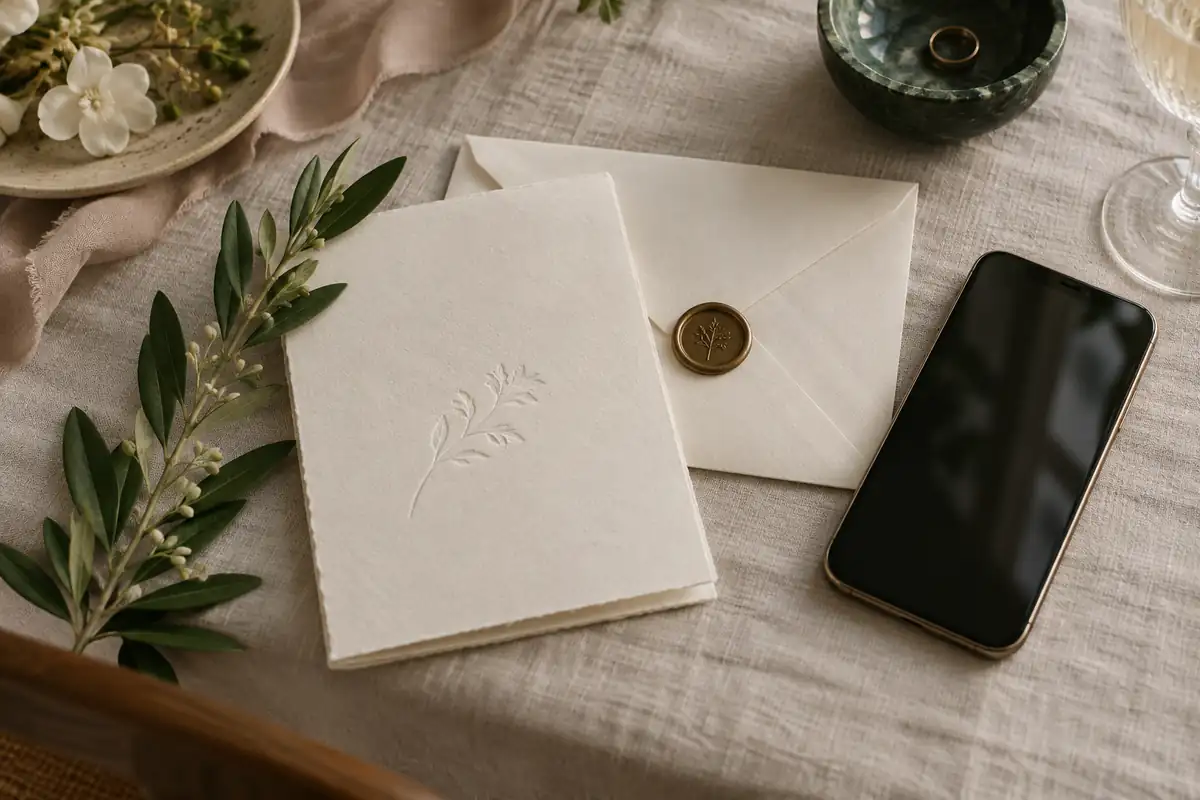
The wedding invitation was once the only document a guest received, and it had to carry everything: who was hosting, where, when, and, in an insert or two, how to reply and where to stay. The wedding website has quietly taken over most of that work. The invitation can now do what it does best — announce the occasion, set the tone, and look beautiful on a mantelpiece — while the website answers the forty practical questions guests would otherwise text you about.
Used well, the two work together. Used badly, the website becomes a public diary with your home address on it, and the invitation becomes a QR code on a postcard. The etiquette sits between those extremes.
What belongs on a wedding website
A good wedding website is a reference, not a scrapbook. Include:
- The essentials: your names, the date, the city, and the ceremony and reception venues with addresses and start times.
- The schedule: the welcome drinks, the rehearsal dinner (marked “by invitation” if not everyone is invited), the ceremony, the reception and the farewell brunch.
- Travel and accommodation: the nearest airports, room blocks with booking links and deadlines, parking, shuttles and taxis.
- The dress code, explained. “Cocktail” means different things to different people; our guide to wedding dress codes will help you define yours.
- The registry. The website is the correct place for it — never the invitation. Registry and gift etiquette explains how to present it.
- An FAQ: children, plus-ones, whether the ceremony is unplugged, accessibility, weather plans, and whom to contact with questions.
- The RSVP, if you are collecting replies online.
Leave out anything you wouldn’t want a stranger to read: detailed personal history, the names and photographs of children, and anything that would embarrass a guest who wasn’t invited to every event.
The invitation announces the occasion and sets the tone. The website answers the forty practical questions guests would otherwise text you about.
Privacy settings
A wedding website tells anyone who finds it exactly where you will be, and when you won’t be home. Two settings deal with most of the risk, and the major platforms offer both.
Hide it from search engines. The Knot and Zola each let couples keep their website out of Google results while leaving it reachable by direct link.
Add a password. Both platforms also offer password protection, so only guests who have the password can see the details. Put the password on the save-the-date or invitation, and keep it simple.
It is also sensible not to post the house you live in, the dates you’ll be away on honeymoon or your full birth dates, and to ask your wedding party not to post the address of the venue publicly before the day.
Digital or paper
Save-the-dates can be digital without apology. They are informal by nature, sent six to eight months ahead (longer for a destination wedding), and a well-designed email or card from a site such as Paperless Post is now as common as paper. Send paper to anyone who doesn’t use email comfortably.
Invitations are a different decision. Paper remains the more formal choice and the one many guests, particularly older relatives, will keep. It also costs more: The Knot’s 2026 Real Weddings Study found couples married in 2025 spent an average of $510 on invitations and stationery, before postage. Since July 12, 2026, a First-Class Mail Forever stamp costs 82 cents, with 29 cents for each additional ounce; square envelopes and invitations with wax seals or rigid embellishments can incur an extra nonmachinable charge, so have one fully assembled invitation weighed at the post office before buying stamps.
Digital invitations suit informal weddings, very small weddings, short lead times and guest lists spread across countries. They are not rude, but they do signal a more relaxed occasion. If your wedding is black tie, the invitation should say so in paper.
A hybrid often works best: digital save-the-dates to everyone, paper invitations to everyone, and online RSVPs through the website — or paper invitations to older relatives and a digital version to everyone else, with the same design and wording. For timing, see how and when to send invitations, and for wording, the invitation etiquette guide.
Online RSVPs
Collecting replies through the website saves money and time, gives you a live guest list, and lets you ask meal choices and dietary requirements in the same form. To make it work:
Set the deadline two weeks before the caterer needs a final number, and print it on the invitation.
Ask exactly what you need: attending or not, names of those attending, meal choices, dietary needs. Nothing else.
Name the guests who are invited. Most platforms let you set the number of seats per household, which avoids the awkward uninvited plus-one.
Always offer another way. A reply card, an email address or a phone number for guests who would rather not use a website. Our guide on how to RSVP explains what guests are expected to do, and is worth linking from your site.
Etiquette for older guests
Many older guests are entirely comfortable online, and a few are not. Don’t assume either way; ask their children or grandchildren.
- Send paper to anyone who prefers it, even if everyone else receives a digital invitation.
- Include the website address in words as well as in a QR code.
- Include a reply card or a phone number in their invitation.
- Call anyone who hasn’t replied the day after the deadline. Some will have sent a reply you never received.
- Print the key details — schedule, addresses, hotel — on a small card for guests who won’t look at the website.
QR codes
A QR code on an invitation insert or save-the-date can take guests straight to the website or RSVP page. Use them as a convenience, not a replacement.
- Put the web address beneath the code, short enough to type.
- Test it on several phones and in print, at the actual printed size.
- Link to a page you control, not a temporary link from a free generator that may expire.
- Keep it discreet. A small code on an insert card is fine; a large one on the face of a formal invitation is not.
The same technique works on the day: a small card with a QR code linking to a shared photo album. Our guide to the unplugged wedding ceremony explains how to set one up.
Done properly, the website and the invitation divide the work. The paper sets the tone, the website carries the detail, and every guest — whatever their age or their relationship with technology — knows where to be and how to reply.
Written and edited by the Today’s Weddings editors. How we research and check what we publish is set out in our editorial standards. Spotted something wrong? Tell us.